Keep your home search working for you
Save the homes you like, follow matching listings and bring your questions to an advisor.
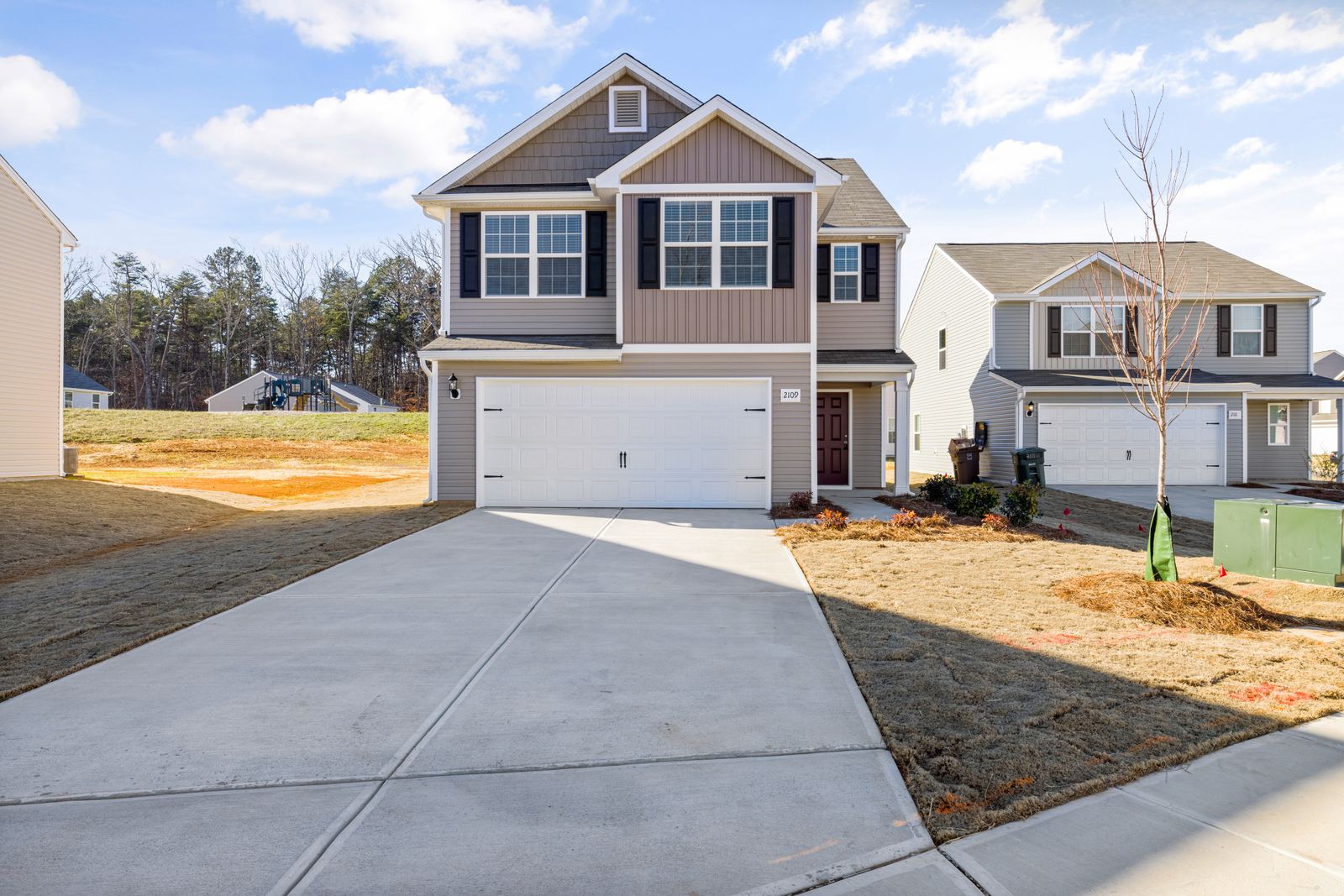
Illustrative image: Curtis AdamsDetails
What this helps you decide
Keep suitable homes visible between conversations with your advisor. Filters work best when they reflect the reasons behind your search, including layout needs and your moving window.
See the example & decision guideOne place for your saved searches
- Open the KW search. Search by an area or ZIP code and choose your price, bedrooms and other filters.
- Create or sign in to your KW account. Use the same account when you return on another device.
- Save the search. Follow the available notification settings and consent steps. You can also ask the connected advisor to help set up a search.
- Save individual homes to a collection. Keep the homes you want to revisit together. Review the sharing controls offered within KW before inviting someone.
- Request help with a specific home. Share your addresses and questions through AREN’s advisor introduction form so an advisor can help coordinate your next step.
Open home search · Open KW search in its own tab ↗
If sign-in, saving or notifications do not work inside the embedded search, use the separate tab. KW manages those account features. AREN’s worksheet and reading list are separate from your KW account.
From favorites to a useful showing
Before requesting a visit, check the floor plan, recurring costs, showing instructions and available virtual tour. Note what you need to confirm, including any main-level rooms, parking, outdoor-space requirements or moving deadline.
Compare homes and plan visits · Research the property · Ask for an advisor introduction
A request is not an appointment until the showing is confirmed. Use the same email address when communicating with your advisor so your search can be connected correctly.
How saving and alerts work
KW explains that registration connects the consumer with a Command contact record, while saved searches and collections organize different parts of a search. Email alerts depend on the applicable consent and notification settings.
KW: saved searches and collections · KW: search notifications and consent
Guidance reviewed November 7, 2026. Controls may differ by device and KW site version.
A saved search and a saved home answer different questions.
A saved search follows your criteria; a collection keeps particular homes together. Start with a focused area and essential filters, then review the results with your advisor. Too many optional filters can hide homes worth considering.
A practical example
Example: keep one search for your preferred area and one for a nearby alternative. After reviewing the actual listings, tell your advisor which three features are essential and what you would compromise on. A main-level room requirement should also be checked against the floor plan.
What to confirm before moving forward
If alerts seem wrong, check the account email, notification preferences and filters in KW. Ask the connected advisor to confirm your search. AREN’s manual shortlist does not receive those alerts or automatically synchronize KW favorites.
Make the result useful
Gather these details
- Preferred areas, price range and home types.
- Essential features a standard filter may miss.
- Examples of suitable and unsuitable homes to discuss with your advisor.
Questions before your next step
Why do some matches miss my needs?
Review which requirements can be filtered and which need manual review. Share examples with your advisor to improve the search.
Do AREN notes appear in KW?
AREN worksheets and KW account features are separate. Choose which notes and links to share with your advisor.